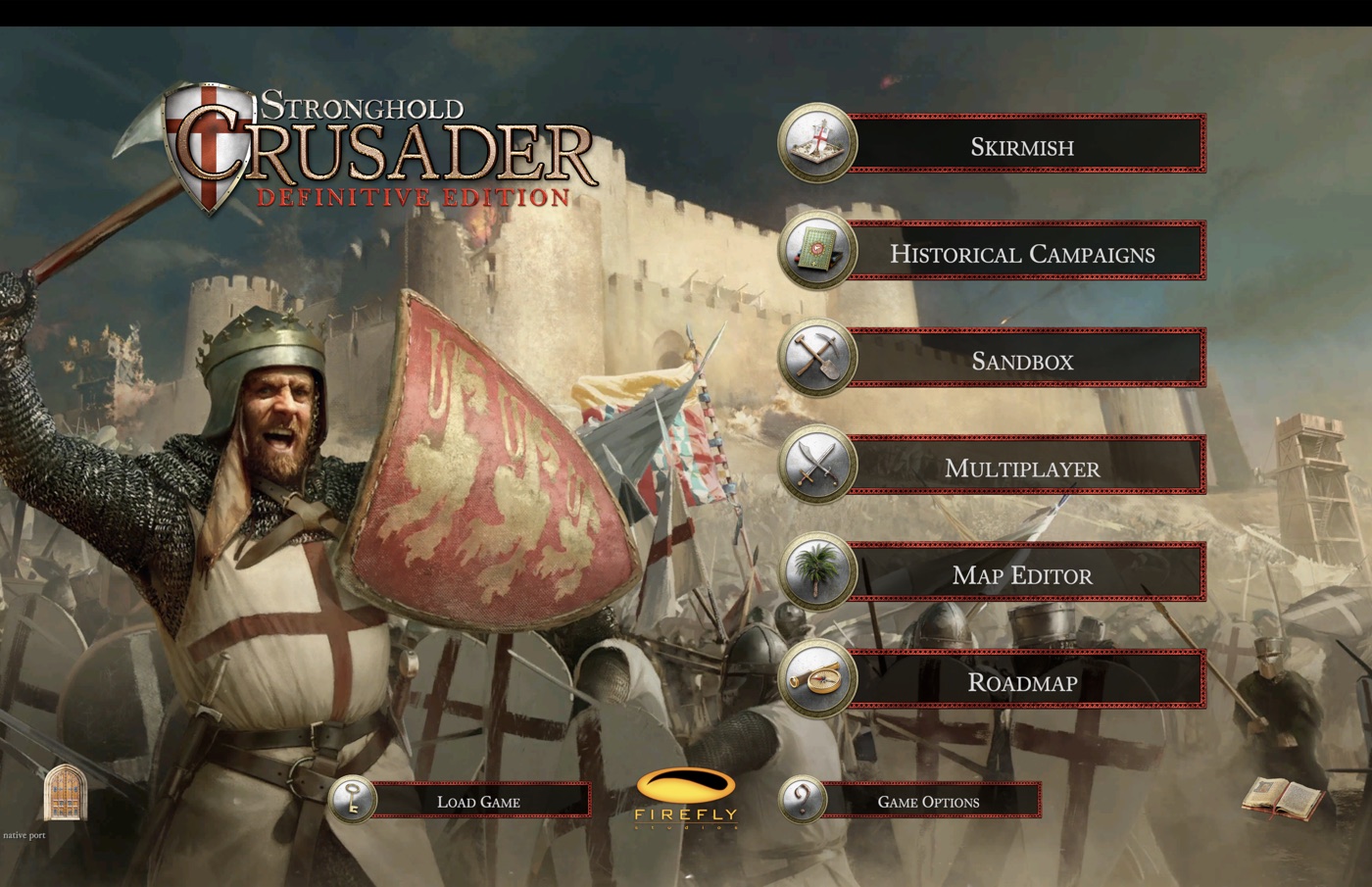
Rust. Native. Fast.
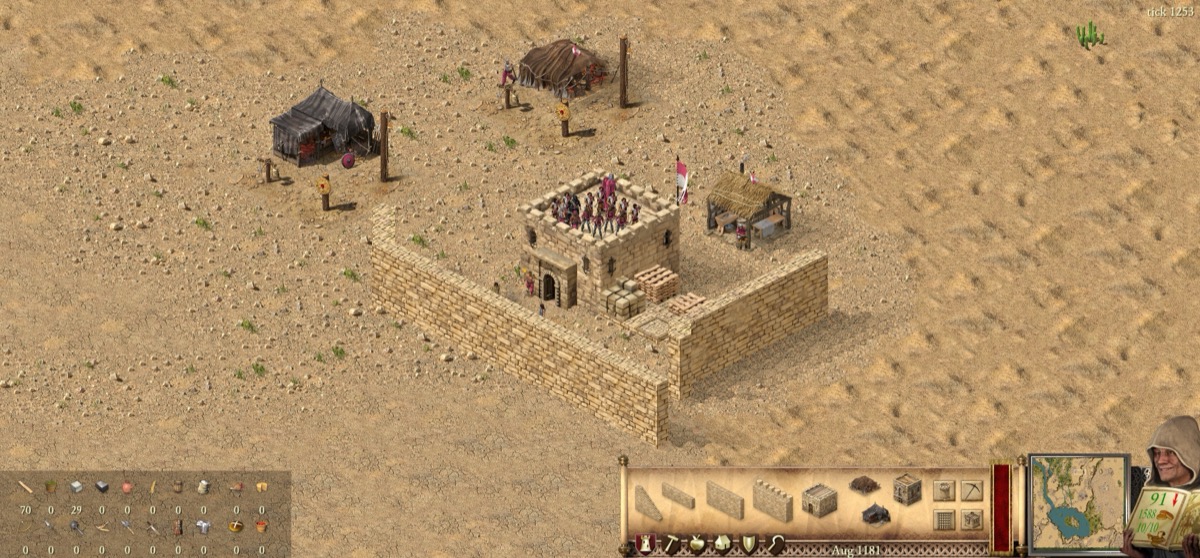
Every tick of the simulation runs as native Apple Silicon code, written in Rust and checked against the original game tick by tick. The picture comes straight from Metal. Nothing is translated or emulated on the way.
Measured on a MacBook Pro with M1 Max. The simulation is a ground-up port of the original engine's logic, so battles, economy and AI play out the way they do in the original.
The castle, natively
The original game is a Unity front end driving a Windows-only simulation library. This project reverse engineers that simulation and ports it to Rust, tick for tick, and draws it with Metal. Your castles, your economy and the lords you fight run on the Mac itself, verified against recordings of the original.
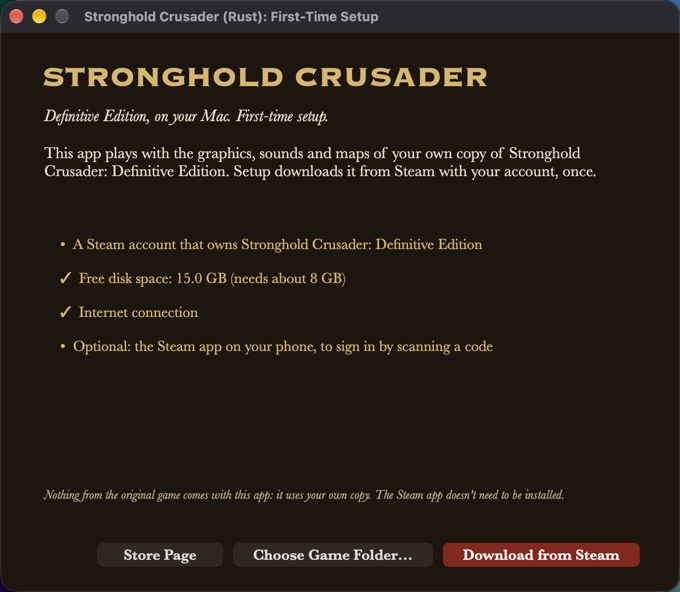
First start: three clicks
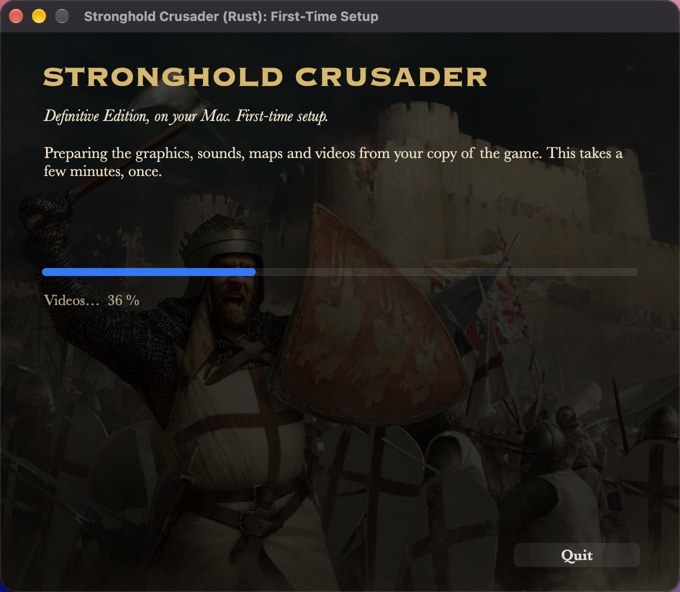
The app brings the engine, not the game. The first time you open it, a setup window gets the graphics, sounds, maps and videos from your own copy of the game, once.
Check
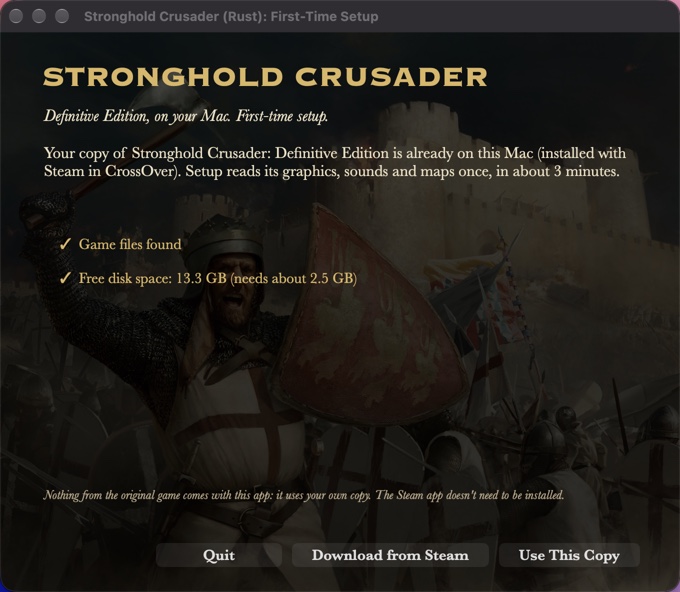
Setup checks for a Steam account that owns the game, about 8 GB of free space and an internet connection. A copy already on the Mac (for example in CrossOver) is found and used directly.
Sign in to Steam
Scan a code with the Steam app on your phone, or sign in with your user name, password and Steam Guard code. The Steam app for Mac doesn't need to be installed.
Download and prepare
Your copy of the game downloads (about 5.7 GB) and its assets are prepared for the native engine in about two minutes. Then the main menu opens.
Install
- Download the app (always the newest version).
- Open it and drag the app into Applications.
- The first time only: right-click the app and choose Open. On macOS 15 or newer, open it once, then go to System Settings › Privacy & Security and click Open Anyway. The app isn't notarized by Apple yet.
- Follow the setup window. Afterwards the app opens straight to the main menu.
You need
- A Mac with Apple Silicon (M1 or newer), macOS 12 or newer
- Stronghold Crusader: Definitive Edition on your Steam account
- About 8 GB of free disk space
- Optional: the Steam app on your phone, to sign in by scanning a code
Your Steam sign-in goes to Steam through Valve's open-source DepotDownloader, which the app carries. Your password is passed to it once and never saved.
What's there today
Skirmish against AI lords, the historical campaigns, the Crusader Trail, sandbox, local network multiplayer, saving and loading, the original music, speech and videos, and Mac niceties: menu bar, trackpad zoom and rotate, full-screen Spaces. The port is in active development; parts of the simulation are still being verified against the original.